

Sidebar
The sidebar is always visible and provides one-click access to each main section of the platform: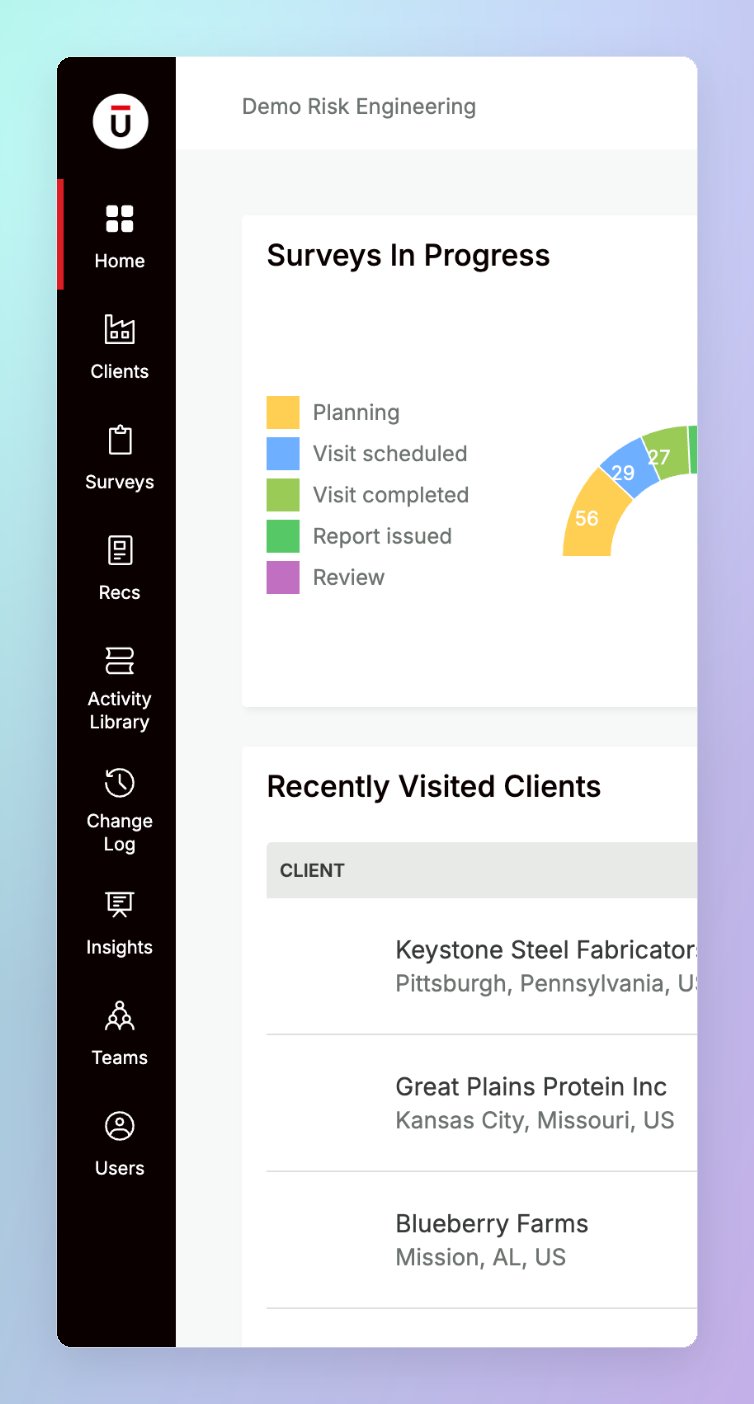
Top bar
The top bar runs across the top of every page and contains:- Breadcrumb trail — shows your current location in the platform (e.g. Clients → Hartmann Industrial GmbH → Dortmund Main Plant). Each segment is a clickable link so you can quickly navigate back up the hierarchy.
- Offline Sync — a cloud icon showing the sync status of your offline surveys. Click it to manage surveys available offline and view changes waiting to sync. See Working offline.
- Currency — switch every monetary value on the platform between each client’s local currency and your preferred currency. See Currency preference.
- Search — a global search bar for finding records across the platform by name.
- User menu — click your name in the top-right corner to open:
- My Profile — update your name, phone number, and profile photo, change your password, turn on multi-factor authentication, and manage email notifications
- Logout — sign out of TruRisk
Related pages
Records and tabs
How records, tabs, and list views are organised
Working offline
Use the Offline Sync menu in the top bar
Currency preference
Choose how monetary values are displayed